If you want to build software faster and with fewer mistakes, you need to understand CI/CD. CI/CD stands for Continuous Integration and Continuous Deployment, and it is a modern way of building, testing, and releasing software. Instead of waiting weeks or months to launch updates, you can deliver changes quickly and safely. This approach helps you stay competitive, improve product quality, and respond faster to user needs. In this guide, you will learn the top 10 things you need to know about CI/CD so you can start using it effectively, even if you are new to software development or DevOps.
1. CI/CD Is All About Automation
At its core, CI/CD is about automating repetitive tasks in your development process. Instead of manually building, testing, and deploying your code, you let tools handle these steps for you.
Automation helps you:
- Save time and reduce manual work
- Avoid human errors
- Deliver updates faster
- Keep your process consistent
When you automate your pipeline, every code change goes through the same steps. This ensures that your software is always tested and ready to deploy. You no longer rely on manual checks, which can be slow and unreliable.
2. Continuous Integration Means Frequent Code Updates
Continuous Integration, or CI, is the practice of merging code changes into a shared repository frequently. Instead of waiting until the end of a project, you integrate small changes often.
This approach gives you several benefits:
- Early detection of bugs
- Easier debugging because changes are small
- Better collaboration among team members
When you commit code regularly, your system automatically runs tests to check if everything works. If something breaks, you know immediately. This helps you fix issues before they become bigger problems.
3. Continuous Deployment Delivers Changes Automatically
Continuous Deployment, or CD, takes things a step further. After your code passes all tests, it is automatically released to production without manual approval.
This means:
- Faster delivery of features
- Immediate user feedback
- Reduced deployment stress
You do not need to wait for a release day. Every successful change can go live instantly. This is especially useful for companies that want to stay agile and keep improving their product continuously.
4. There Is Also Continuous Delivery
You might hear about Continuous Delivery, which is slightly different from Continuous Deployment. In Continuous Delivery, your code is always ready to deploy, but you choose when to release it.
Key difference:
- Continuous Delivery requires manual approval before release
- Continuous Deployment releases automatically
This gives you more control while still keeping your pipeline efficient. It is a good starting point if you are not ready for full automation.
5. CI/CD Pipelines Are the Backbone
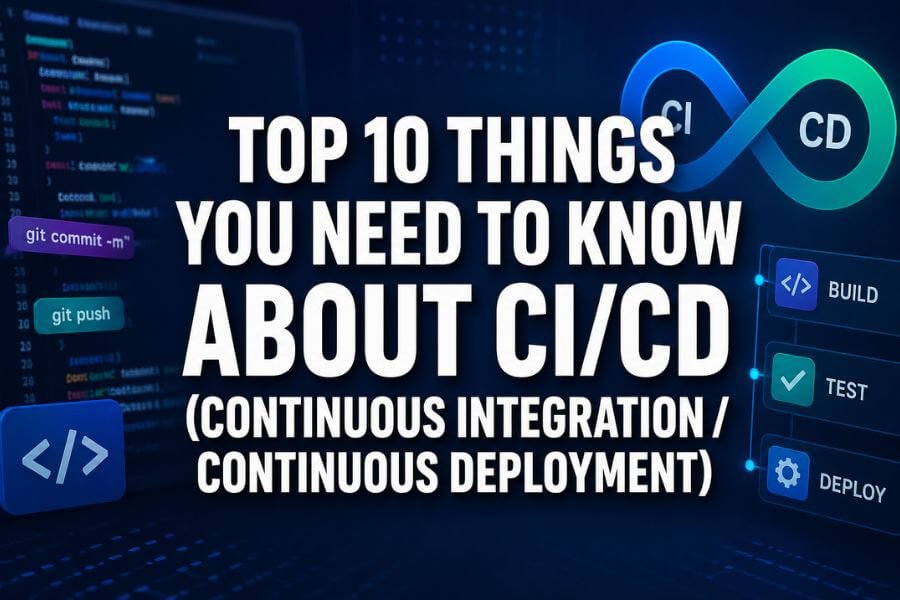
A CI/CD pipeline is a series of steps that your code goes through from development to deployment. It usually includes:
- Code commit
- Build process
- Automated testing
- Deployment
Each step is triggered automatically. If one step fails, the pipeline stops, and you fix the issue before moving forward.
Pipelines help you:
- Maintain quality
- Standardize workflows
- Scale your development process
Once your pipeline is set up, it runs every time you push code, making your workflow smooth and reliable.
6. Testing Is a Critical Part of CI/CD
Testing is one of the most important parts of CI/CD. Without proper testing, automation can push broken code to users.
Common types of tests include:
- Unit tests for small code parts
- Integration tests for combined systems
- End-to-end tests for full workflows
Automated testing ensures that every change is checked before release. This reduces bugs and improves user experience. The more tests you have, the more confident you can be in your releases.
7. CI/CD Improves Team Collaboration
CI/CD is not just about tools. It also changes how your team works together. When everyone commits code frequently and follows the same pipeline, collaboration becomes easier.
Benefits for teams:
- Better communication
- Fewer merge conflicts
- Shared responsibility for code quality
Instead of working in isolation, team members continuously integrate their work. This creates a more transparent and efficient development environment.
8. Faster Feedback Loops Help You Improve
One of the biggest advantages of CI/CD is fast feedback. You do not have to wait days or weeks to know if your code works.
With CI/CD:
- Tests run immediately after changes
- Errors are detected quickly
- You can fix issues right away
This short feedback loop helps you learn faster and improve your code continuously. It also reduces the cost of fixing bugs, since problems are caught early.
9. CI/CD Supports Agile and DevOps Practices
CI/CD works very well with Agile and DevOps methodologies. Both focus on speed, collaboration, and continuous improvement.
How CI/CD fits in:
- Supports frequent releases in Agile
- Enables automation in DevOps
- Encourages collaboration between developers and operations
By using CI/CD, you align your workflow with modern development practices. This helps you stay flexible and adapt to changing requirements.
10. You Need the Right Tools and Setup
To implement CI/CD, you need tools that support automation, testing, and deployment. Popular tools include build servers, version control systems, and deployment platforms.
When choosing tools, consider:
- Ease of use
- Integration with your existing systems
- Scalability for future growth
You also need to design your pipeline carefully. Start simple and improve over time. Do not try to automate everything at once. Build a solid foundation and expand gradually.
Conclusion
CI/CD is a powerful approach that can transform how you build and deliver software. By automating your workflow, integrating code frequently, and deploying changes quickly, you can improve both speed and quality. Whether you are a beginner or an experienced developer, understanding CI/CD will help you stay competitive in today’s fast-moving tech world. Start small, focus on automation and testing, and gradually build a strong pipeline that supports your goals. With the right mindset and tools, CI/CD can make your development process smoother, faster, and more reliable.
Frequently Asked Questions
What is the main goal of CI/CD?
The main goal of CI/CD is to automate the process of building, testing, and deploying software so you can deliver updates faster and with fewer errors. It helps improve efficiency and ensures consistent quality across releases.
Is CI/CD only for large companies?
No, CI/CD can be used by teams of any size. Even small teams can benefit from automation and faster feedback. In fact, smaller teams often see big improvements in productivity when they adopt CI/CD practices.
Do you need coding skills to use CI/CD tools?
Basic coding knowledge is helpful, but many CI/CD tools are user-friendly and provide visual interfaces. You can start with simple setups and learn more advanced features over time.
How long does it take to set up a CI/CD pipeline?
The setup time depends on your project and tools. A simple pipeline can be set up in a few hours, while more complex systems may take days or weeks. It is best to start small and improve gradually.
Can CI/CD reduce software bugs?
Yes, CI/CD helps reduce bugs by running automated tests on every code change. This allows you to catch and fix issues early, before they reach users.