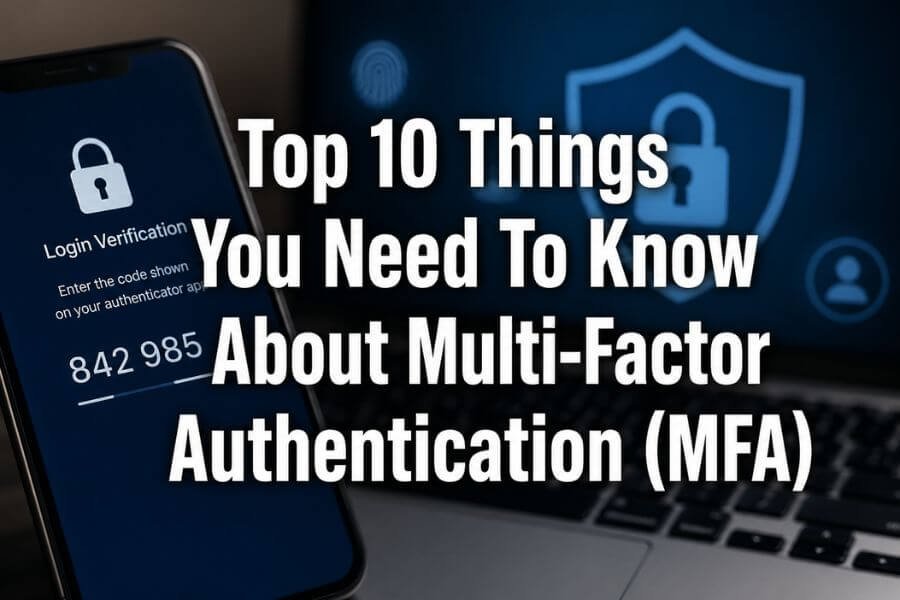
If you care about keeping your online accounts safe, you need to understand Multi-Factor Authentication, often called MFA. You probably already use passwords for your email, banking apps, or social media, but passwords alone are no longer enough. Hackers have become smarter, and data breaches happen more often than most people realize. This is where MFA becomes very important. It adds extra layers of security so that even if someone gets your password, they still cannot access your account easily. In this guide, you will learn the top 10 things you need to know about Multi-Factor Authentication in a simple and clear way, so you can protect your personal and business data better.
1. What Multi-Factor Authentication Really Means
Multi-Factor Authentication means using more than one method to prove your identity when logging into an account. Instead of relying only on a password, MFA requires additional verification steps. These steps usually come from different categories of authentication factors:
- Something you know: like a password or PIN
- Something you have: like your phone or a security key
- Something you are: like your fingerprint or face
When you combine two or more of these factors, your account becomes much harder to hack. Even if someone guesses or steals your password, they still need access to the second factor.
2. Why Passwords Alone Are Not Enough
You might think your password is strong, but passwords can be stolen in many ways. Cybercriminals use methods such as phishing emails, malware, or data leaks to collect login information. Many people also reuse the same password across different sites, which increases risk.
Here are some common password problems:
- Weak passwords that are easy to guess
- Reusing passwords across multiple accounts
- Data breaches exposing login details
- Phishing attacks tricking users into sharing passwords
MFA adds an extra barrier, making it much harder for attackers to succeed.
3. The Most Common Types of MFA Methods
When you enable MFA, you will usually see several options. Each method offers a different level of security and convenience.
Common MFA methods include:
- SMS codes sent to your phone
- Authenticator apps that generate time-based codes
- Email verification codes
- Push notifications asking you to approve a login
- Biometric scans like fingerprints or facial recognition
- Hardware security keys
Among these, authenticator apps and hardware keys are generally more secure than SMS because SMS messages can sometimes be intercepted.
4. How MFA Protects Your Accounts
MFA works by adding an extra step after you enter your password. For example, after typing your password, you might receive a code on your phone that you must enter before gaining access.
This process protects you in several ways:
- Stops unauthorized access even if your password is stolen
- Reduces the risk of identity theft
- Protects sensitive data such as financial information
- Adds a real-time verification step that attackers cannot easily bypass
In simple terms, MFA acts like a second lock on your door.
5. MFA Is Easy to Use
Some people avoid MFA because they think it is complicated. In reality, most MFA systems are designed to be simple and quick. Once set up, the process becomes part of your normal login routine.
For example:
- You enter your password
- You approve a notification on your phone
- You are logged in within seconds
Modern systems often remember trusted devices, so you may not need to verify every time.
6. Not All MFA Methods Are Equal
While all MFA methods add security, some are stronger than others. It is important to understand the differences so you can choose the best option.
Stronger methods:
- Authenticator apps with time-based codes
- Hardware security keys
- Biometric authentication
Weaker methods:
- SMS codes
- Email codes
SMS is widely used, but it can be vulnerable to SIM swapping attacks. If possible, choose an authenticator app or hardware key for better protection.
7. MFA Is Essential for Businesses
If you run a business or manage a team, MFA is not just helpful; it is necessary. Many companies handle sensitive customer data, financial records, and internal systems that must be protected.
Benefits of MFA for businesses include:
- Preventing unauthorized access to company systems
- Reducing the risk of data breaches
- Protecting customer information
- Meeting security compliance requirements
Even small businesses can become targets, so MFA should be part of your security strategy.
8. MFA Helps Protect Against Phishing
Phishing is one of the most common cyber threats. Attackers send fake emails or messages to trick you into giving away your login details. Even if you fall for a phishing attack, MFA can still protect you.
Here is how:
- The attacker gets your password
- They try to log in
- They are blocked because they cannot access your second factor
Some advanced MFA systems also detect suspicious login attempts and alert you immediately.
9. You Should Enable MFA Everywhere Possible
Many popular services already offer MFA, but not everyone turns it on. You should enable MFA on all important accounts, including:
- Email accounts
- Banking and financial apps
- Social media platforms
- Cloud storage services
- Work-related tools
If an account contains personal or sensitive information, it should be protected with MFA. It only takes a few minutes to set up, but it can prevent serious problems later.
10. Backup Options Are Important
When using MFA, you should always plan for situations where you lose access to your second factor. For example, if you lose your phone, you might not be able to receive codes.
To avoid getting locked out, you should:
- Save backup codes in a secure place
- Add a secondary authentication method
- Use recovery options provided by the service
- Keep your contact information updated
Backup options ensure that you can still access your account safely if something goes wrong.
Conclusion
Multi-Factor Authentication is one of the simplest and most effective ways to protect your online accounts. In a world where cyber threats are constantly growing, relying on passwords alone is no longer enough. By adding an extra layer of security, MFA makes it much harder for attackers to gain access to your data. Whether you are protecting personal accounts or managing a business, enabling MFA should be a top priority. It is easy to use, widely available, and highly effective. Taking this small step can save you from major security risks in the future.
Frequently Asked Questions (FAQs)
What happens if I lose my phone with MFA enabled?
If you lose your phone, you can still access your account using backup codes or recovery options if you set them up in advance. This is why it is important to save backup methods when enabling MFA.
Can MFA be hacked?
While no system is completely perfect, MFA is very difficult to bypass. Some weaker methods, like SMS, can be targeted, but stronger options like authenticator apps and hardware keys offer high levels of security.
Does MFA slow down the login process?
MFA adds one extra step, but it usually takes only a few seconds. Most users find that the added security is worth the small amount of extra time.
Is MFA free to use?
Many services offer MFA for free, especially basic methods like authenticator apps or SMS codes. Some advanced solutions, like hardware keys, may require a small purchase.
Do I need MFA for personal accounts?
Yes, personal accounts are often targeted by attackers. Email, social media, and banking apps all contain valuable information, so enabling MFA helps protect your identity and data.